


File archiving is an efficient way to store files and folders in a reliable and compact manner, which can significantly save storage space, depending on the archive format used. I have used many file-archiving apps over the years, including the infamous WinRAR back in the day.
But, subsequently, I switched to the open source 7-Zip on my Windows machine and used the default file manager (usually Nautilus) on my Linux machine to handle file archives.
That lasted until I learned of PeaZip, a cross-platform, open source file archiver utility that offered more features and file format support.
Join me as I take you through it. 😃
PeaZip: For Your File Archiving Needs

Offered under the LGPL 3.0 license, PeaZip is a file archiving application that aims to provide a GUI frontend for popular open source file archiving tools like 7-Zip,Brotli, Zstd, FreeArc, and more.
Primarily written using Lazarus/FreePascal, the project is actively maintained, with new releases being rolled out regularly.
⭐ Key Features
In a long list of features like being CLI-friendly, allowing file management, supporting multiple interface modes, and more. PeaZip has the following key points of interest:
- Encryption and 2FA are available.
- Extensible via plugins and themes.
- Support for over 200 archive formats.
💻 User Experience
Using the official PeaZip Flatpak on my Fedora 40-equipped system has been a great experience so far. It lets me browse my files, and creating new archives is just a matter of a few clicks.
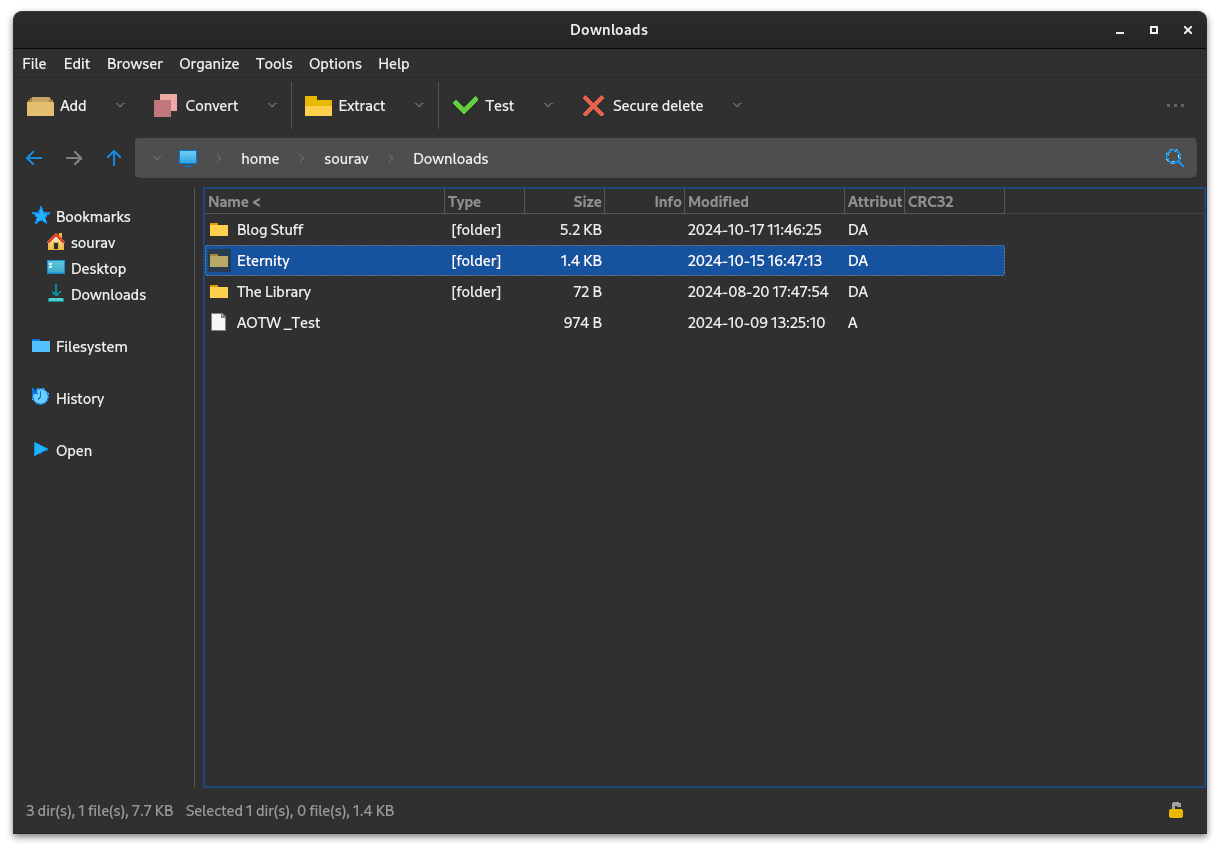
When creating a new archive, I can set the output location and choose which file format I want it to be. There are many options to pick from, such as 7Z, TAR, ZIP, Zstd, Brotli, GZip, PEA, etc.
PeaZip archive file compression controls.
Depending on the archive format used, there are many compression levels to choose from, with options like “Store” for just storing the files without any compression and “Ultra” for the maximum level of compression.
There are many handy presets for splitting the archive too, with options for floppy disks, CDs, DVDs, and Blu-rays.
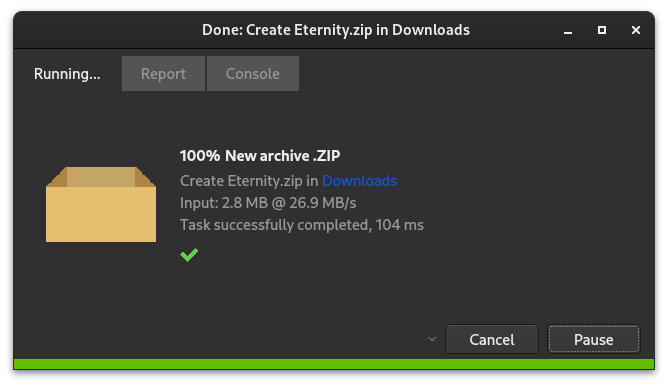
During file compression operations, a handy progress dialog appears with useful menu items at the top, and a progress bar, and controls to cancel or pause the operation at the bottom.
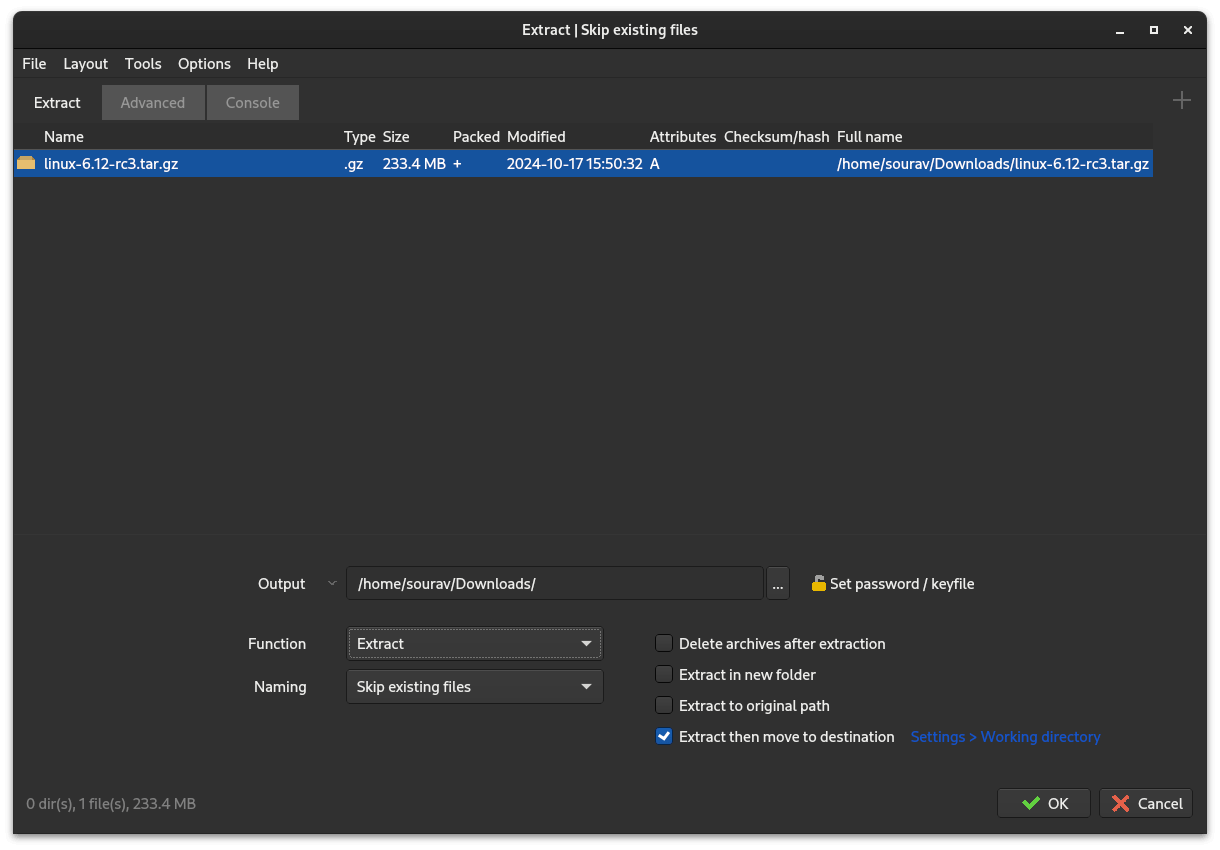

Extracting files is also a similar affair, with similar controls and dialogs being shown during extraction operations.
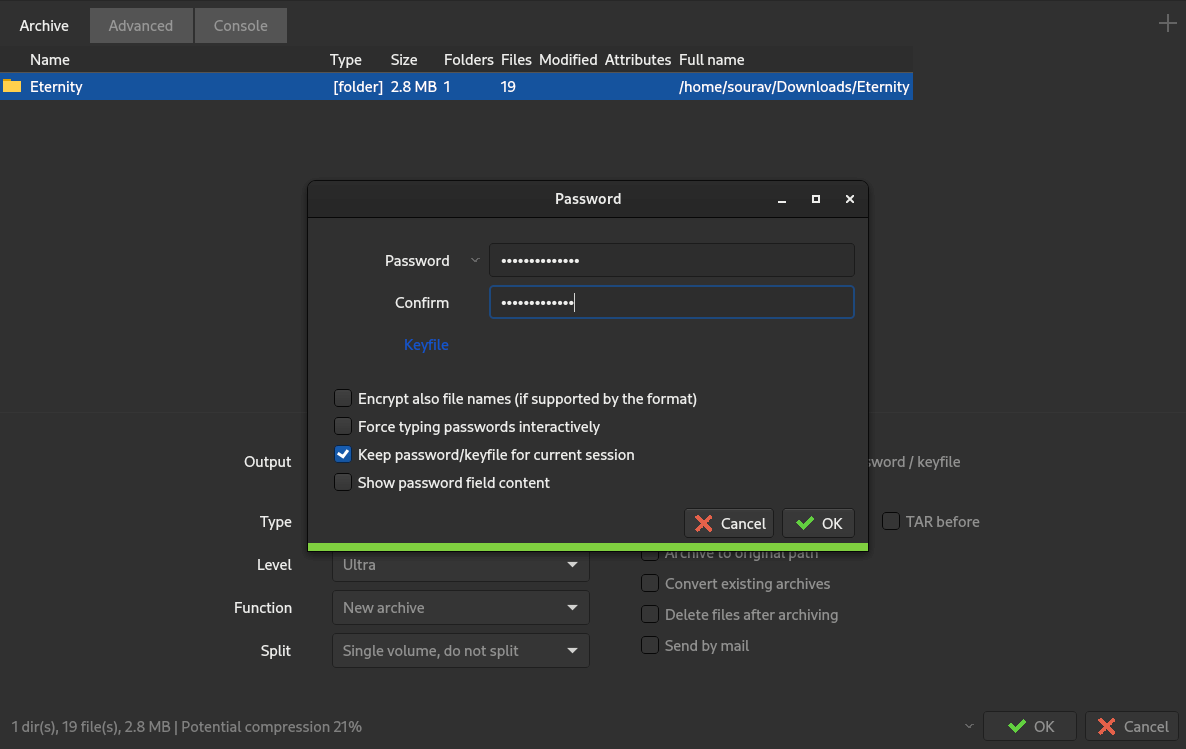
If needed, there is also the capability to add passwords to archives to secure them against unauthorized access during transmission. PeaZip relies on tech like AES, Twofish and Serpent to achieve that.
Similarly, PeaZip features something called “Secure Delete”, which enables permanent deletion of files and folders by overwriting disk sectors over and over to ensure that data cannot be recovered.

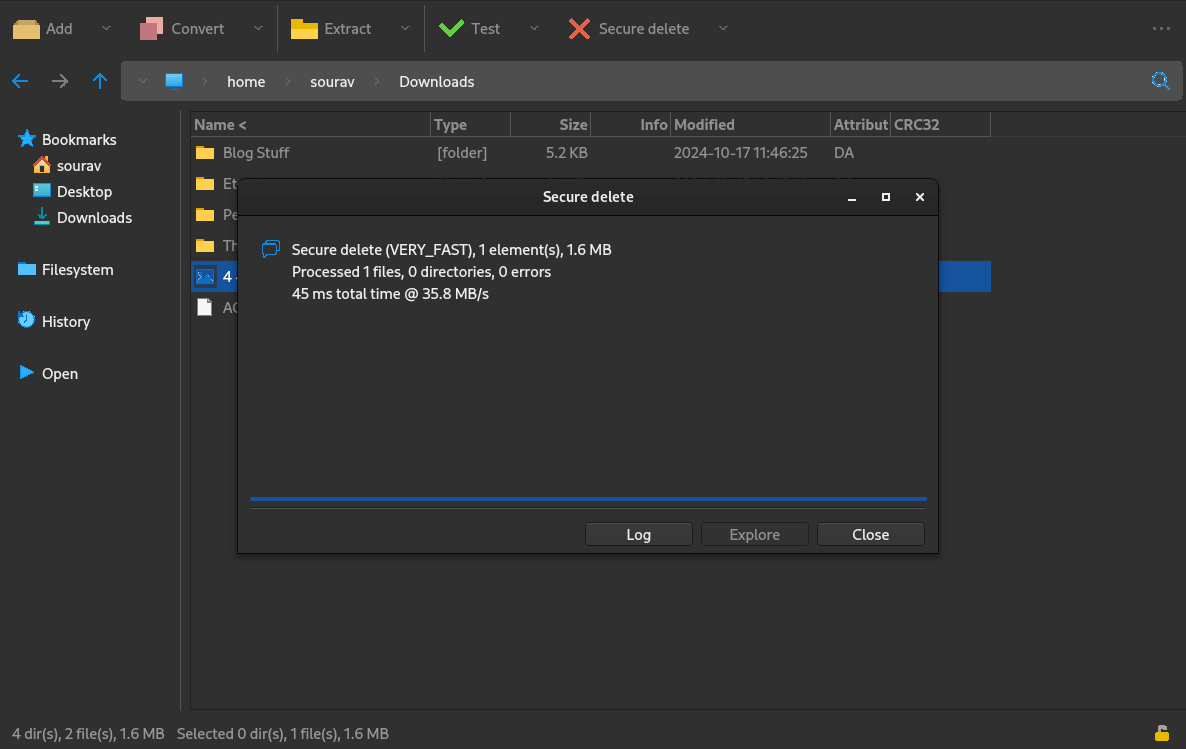
PeaZip secure delete feature in action.
PeaZip also features a password manager with strong encryption that locally stores passwords, with a master password or keyfile acting as an additional layer of security to secure this sensitive information from prying eyes.
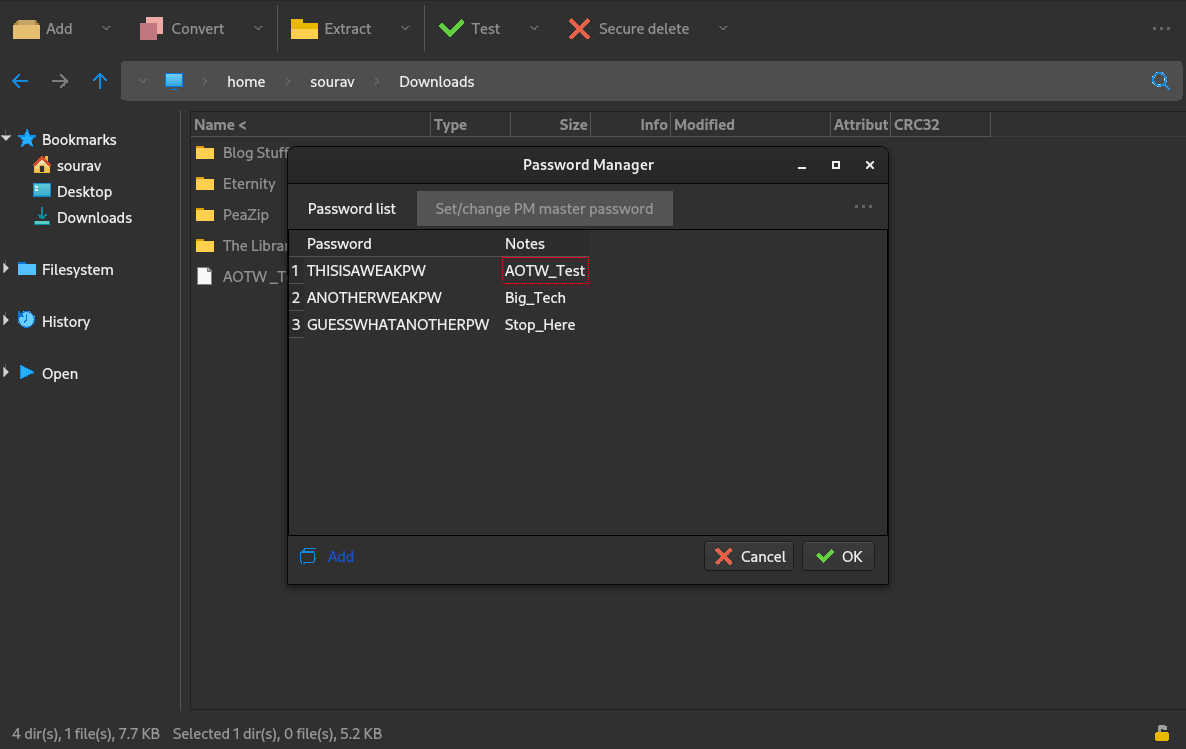

PeaZip password manager in action.
For a file-archiving app, PeaZip sure offers many features on top of the usual archiving ones. So far, it has proven itself to be a versatile and reliable tool. Whether you need to archive large files, protect sensitive data, or simply reduce file sizes, PeaZip has you covered.
⚙️ Installing PeaZip on Linux
You can get the latest release of PeaZip from the official website, which also lists packages for BSD, Windows, and macOS.
For Linux, there’s also the option to get it from the Flathub store. If that doesn’t suit you, then you can get packages directly from the releases section in the project’s GitHub repo.
💬 Know of any other file-archiving apps? Let me know below!
Here’s why you should opt for It’s FOSS Plus Membership
- Even the biggest players in the Linux world don’t care about desktop Linux users. We do.
- We don’t put content behind paywall. Your support keeps it open for everyone. Think of it like ‘pay it forward’.
- Don’t like ads? With the Plus membership, you get an ad-free reading experience.
- When millions of AI-generated content is being published daily, you read and learn from real human Linux users.
- It costs just $2 a month, less than the cost of your favorite burger.